Folios by Tzyi

Folios by TzYi

A wee wonderful app designed to organize and curate your photo collections with powerful tagging. Your library syncs with iCloud, so your albums are available across all your Apple devices. Built for iPhone, iPad and Mac with a beautiful masonry layout and tag filtering. How To Use 1) Create Albums Start by creating your first album from the main library view. Simply tap the plus button and give your album a name. Albums are your primary way of organizing photos - think of them as your curated collections. You can create as many albums as you need, whether for projects, trips, inspiration boards, or any other collection you want to keep together. ...

Folios - looks cloudy

This release (v7) makes it easier to reorganise your library. You can now merge albums and move images around. There’s a bug fix for Mac too: the edit tags popup now scrolls. There are also a handful of little tweaks, like clearer wording on some features and better alerts for deletion. I’ve also added a little animated iCloud icon to the main view. For those interested, the app uses SwiftData from Apple, which makes syncing across devices work automagically. Its main weakness is that there isn’t much information available through the API. The icon simply lets you know that iCloud is happily working away in the background. It’s a handy little reassurance that everything is still syncing and probably just needs a bit more time. ...

July 26, 2026

Folios - data optimisation

Navigation is greatly improved in this release (v6). Previously each view was discarded as you navigated around, which helped with memory but it meant if you’d scrolled down before clicking into an album or image, navigating back would recreate the view and you’d have lost your place. Thanks to a better data model the navigation is now a more typical push/pop stack, so you go back to exactly were you where. ...

May 1, 2026

Folios - cover up

There was a focus on performance for this v5 release as well as some nice little quality of life features. The slideshow is now smart and only gets the full res image for the current and prev/next, so it’s much quicker to load that view as well being more memory efficient. There’s a new little settings menu that allows you to set the masonry image size (small, medium, large) and the a button for setting cover images which helps scrolling on larger collections. ...

April 22, 2026

Folios - fixed slideshow

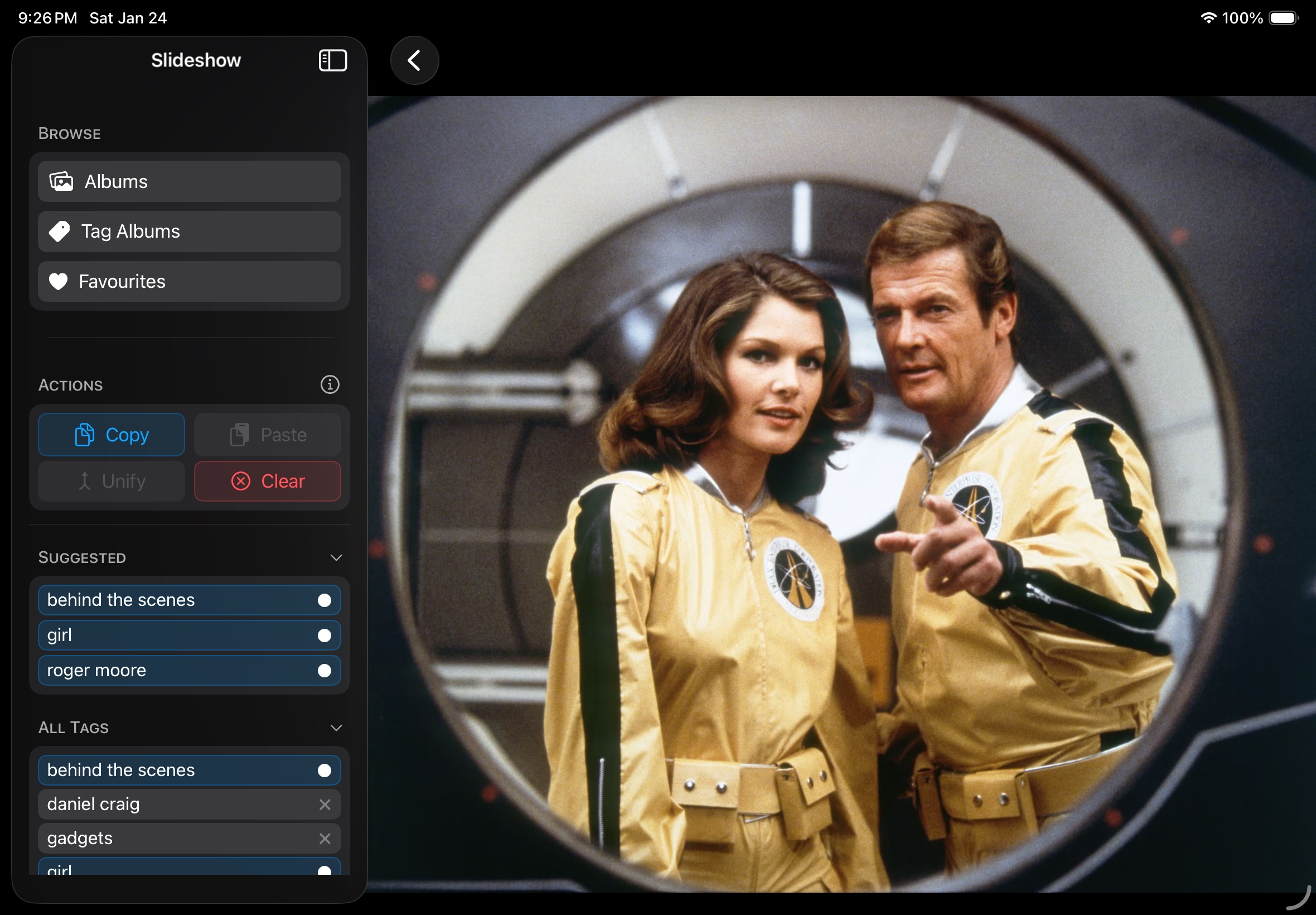
Slideshow, which i thought I’d fix in the last version is now actually fixed. When swiping around it would sometimes jump back to the beginning or a random index. With the help of Claude this was completely refactored and it’s now just like swiping in Apple photos, delightful. Another small quality of life feature, when you create a tag album, if you don’t give it your own name it will just use the tags you select as the album title which is nice, and you can now pick a cover image for the tag album seperately. I’m thinking about adding more than just ‘and’ logic into tag albums so you could create an album that is all of one person but not wearing black for example. Might be fun to have. ...

March 27, 2026