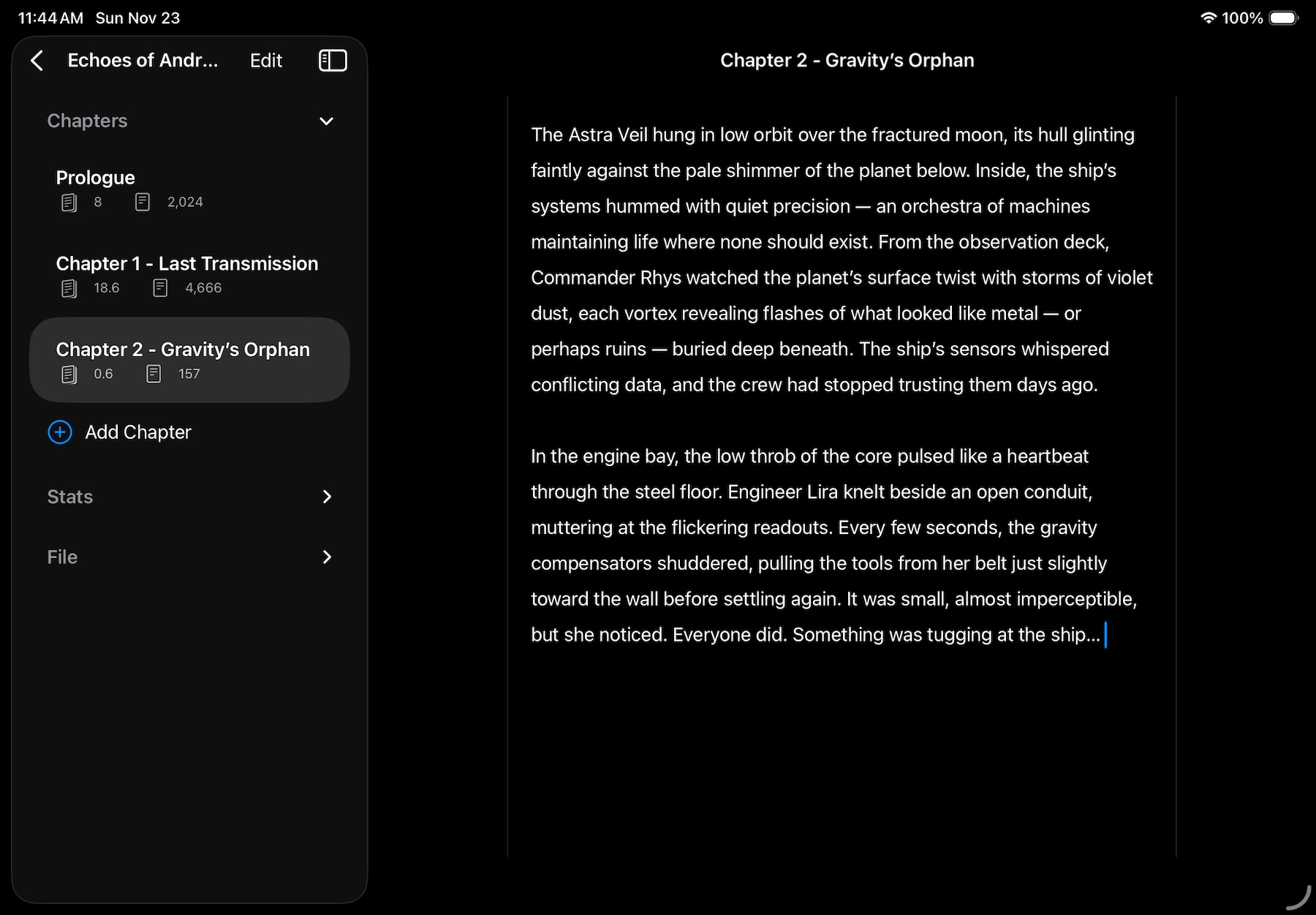
Chapters by Tzyi

Chapters by TzYi

A wee wonderful app for writing your next novel. Minimalist and cross platform — write on iPhone, iPad, or Mac with iCloud sync. How to Use Chapters is a minimalist writing tool. It’s purposefully simple to allow you to focus on writing without distraction. Start by tapping ‘Create Book’ from the library view. Here you add your title, and optionally a subtitle or even some cover art for inspiration. ...

Chapters - snapshot in time

Chapters v4 has a fairly big addition tucked into a little dropdown: snapshots! You can now save a version of your whole book as you go, without exporting a separate JSON file every time you want to keep a draft. Each snapshot saves the current book, including chapter notes. Give it a name and a brief description to remind yourself what it represents, perhaps a finished first draft or the moment before you decide to rewrite that ending. ...

September 19, 2026

Chapters - lovely notes

The notes feature in Chapters had kind of been niggling at me, and I think i’ve made significant improvement to the feature. Now you can see three lines be default instead of just two which I think is a big help on it’s own. But if you want to easily refer to a long one now you can swipe from the leading edge and expand and collapse a complete note which I think makes them super helpful. ...

April 11, 2026