Navigation is greatly improved in this release (v6). Previously each view was discarded as you navigated around, which helped with memory but it meant if you’d scrolled down before clicking into an album or image, navigating back would recreate the view and you’d have lost your place. Thanks to a better data model the navigation is now a more typical push/pop stack, so you go back to exactly were you where.
Improving the swift data has been a learning process. Originally each photo object held a little bit of metadata, e.g. sorting and filename, as well as the thumbnail data and the original image data marked as external storage. The way I thougth this would work is that only when needed would it get the full image data, but my understanding was wrong. It grabs it even when not needed, so on my lower end ipad the app would crash going into certain views as it was trying load all these full resolution images into memory just to do something small like sort or find tags.
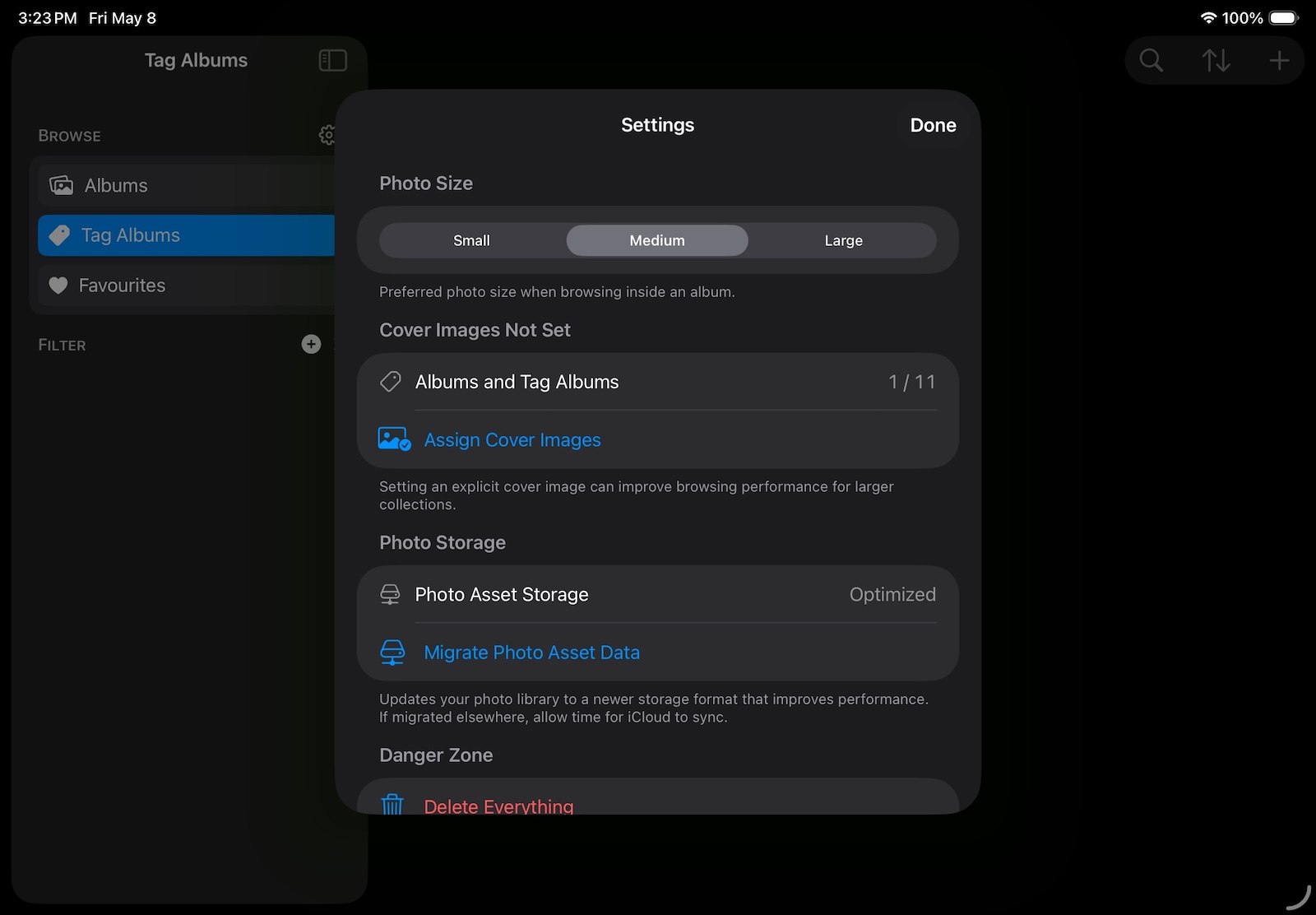
As the app is now live it’s a little bit tricky to alter a data mode, so what i’ve done is link the full resolution image as a seperate object to the photo. So now it’s just a little bit of metadata and the small thumbnail, on my low end ipad i see much better performance now across the board and no more crashing on certain view. You’ll need to do a one time migration if you’ve got any current images. Tap ‘Migrate Photo Asset Data’ then wait while it goes through your images. Then just give it some time to sync on iCloud across your devices and that’s it.